How it works
Run a full 360° cycle in five steps.
Kaiten walks you from an empty project to finished reports — and then straight into the follow-up round.
-
Step 1
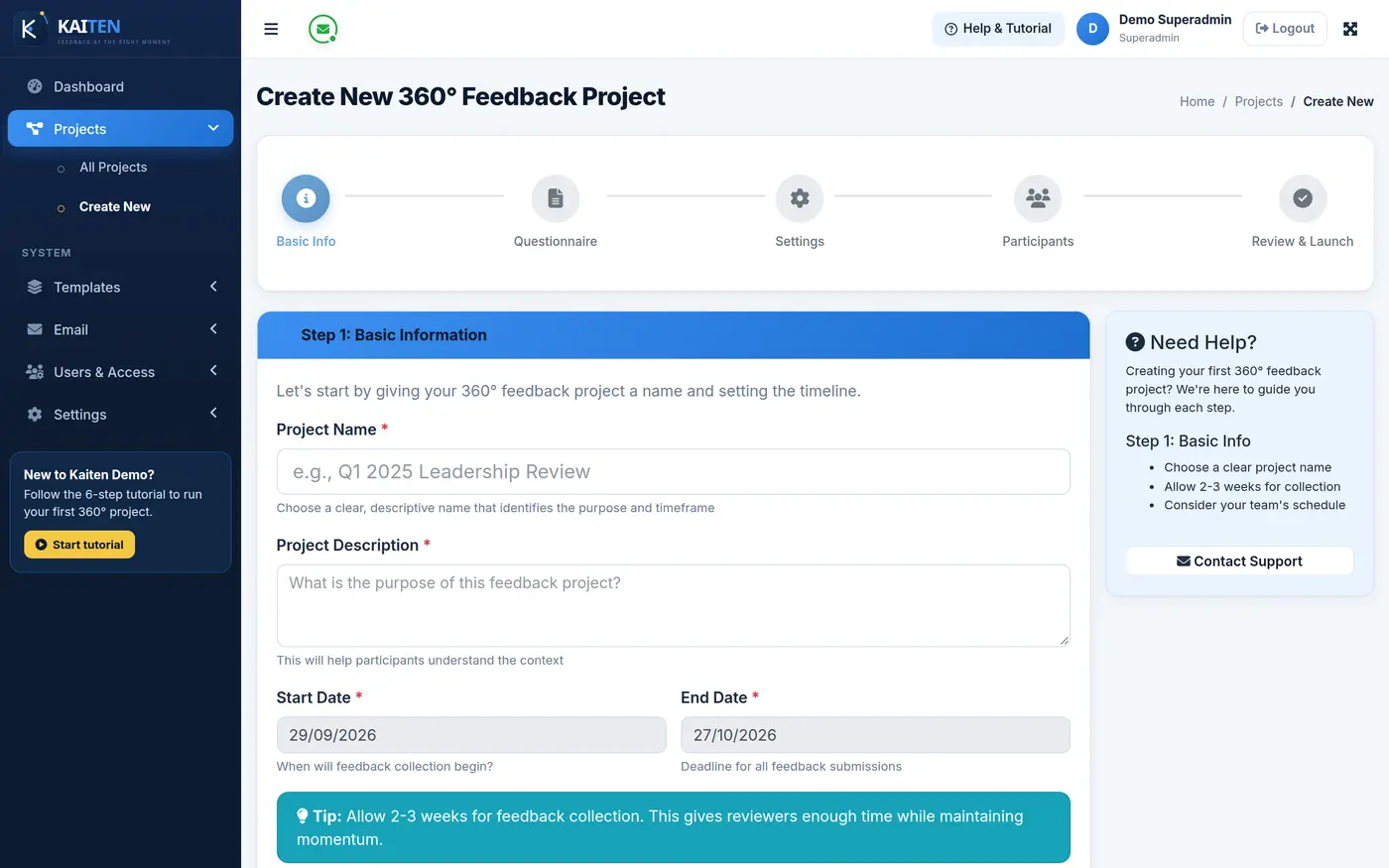
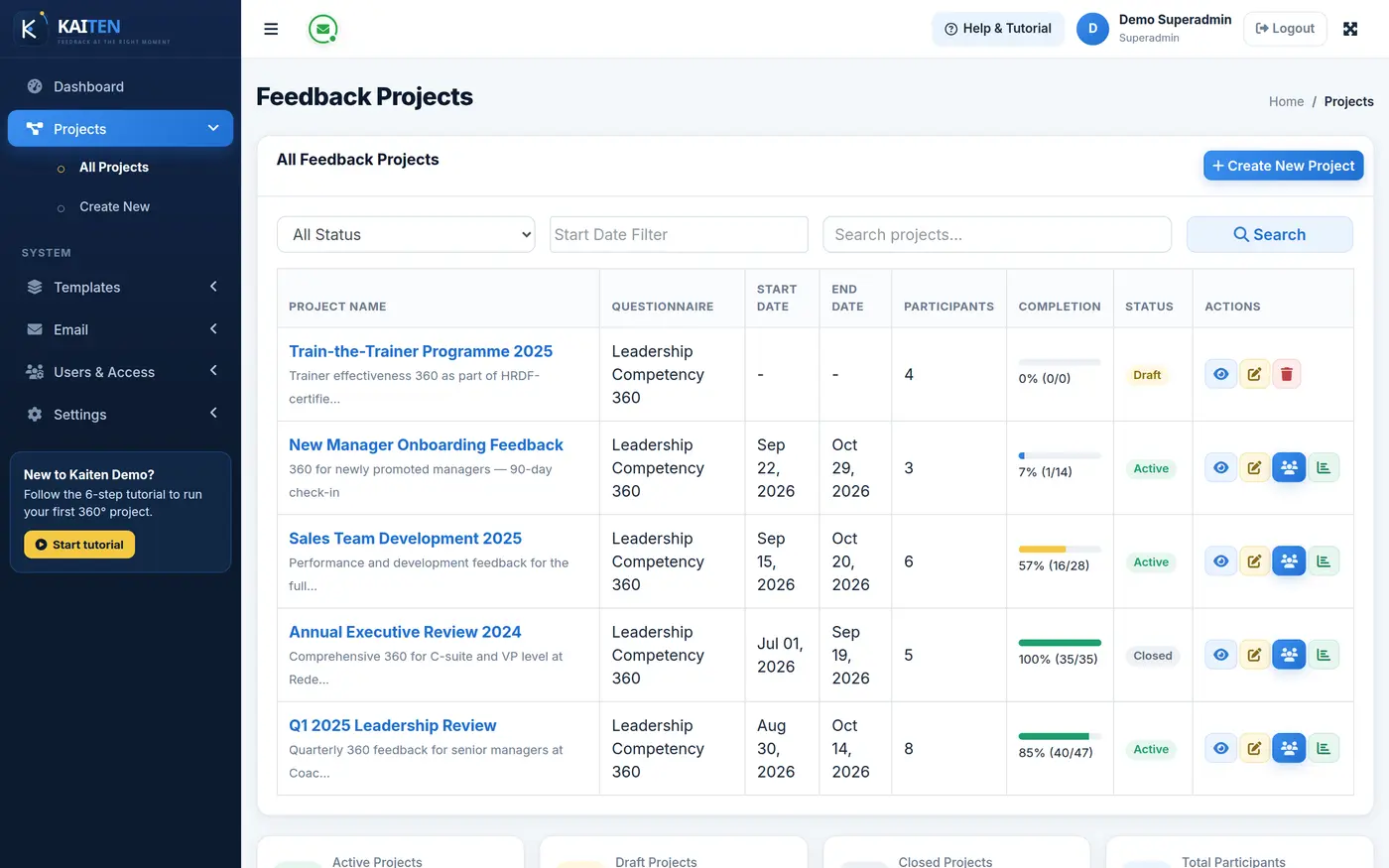
Create the project
Give the project a name and dates, upload your client’s logo and choose the questionnaire. Save it as a draft until everything is ready.
- Draft and live states
- Client logo on reports and emails
- Sender name and reply-to per project
-
Step 2
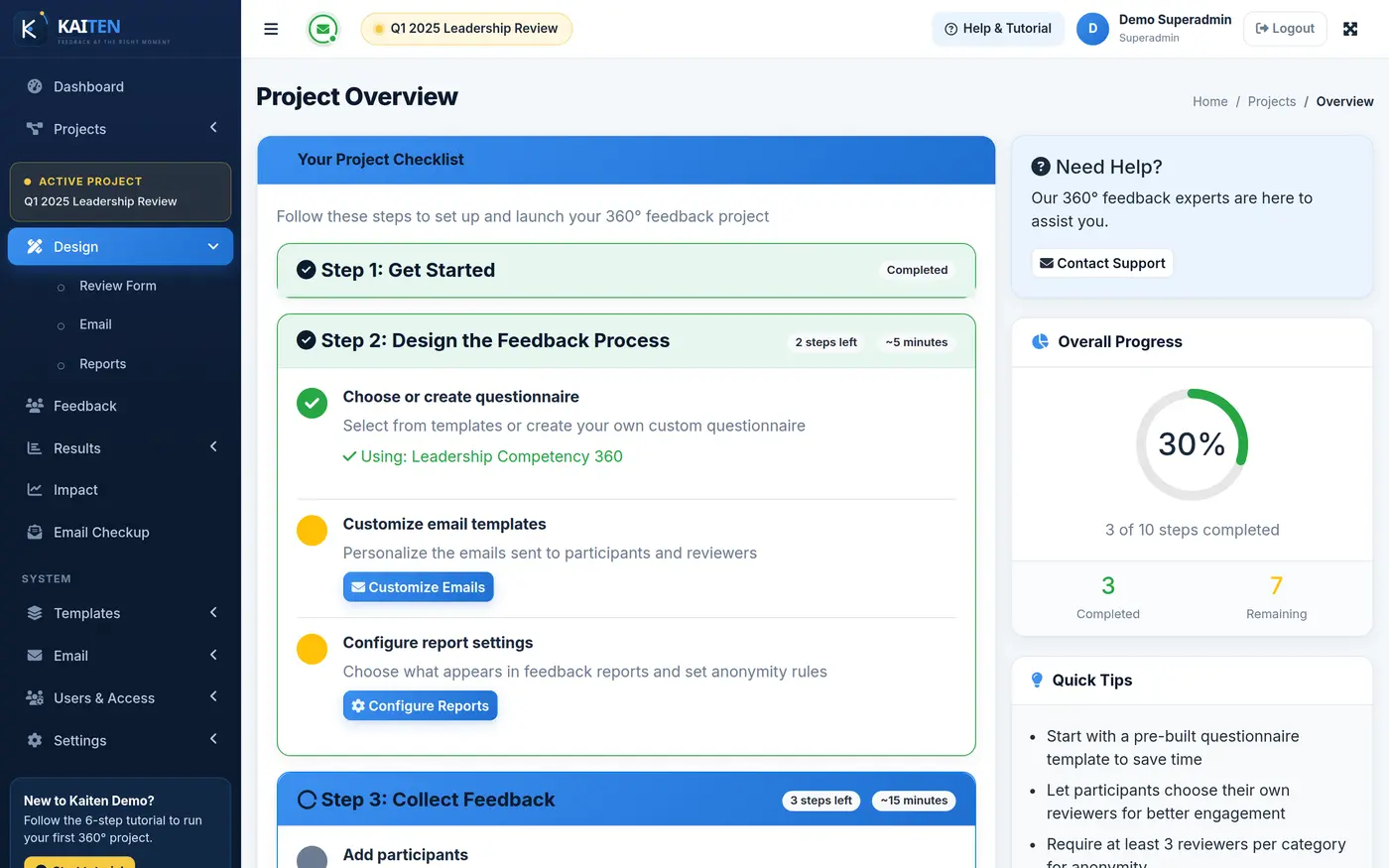
Load the questionnaire and set the rules
Attach a questionnaire from your library or import competencies by CSV. Set benchmarks, the rating scale wording and the anonymity thresholds.
- Rating, comment and multiple-choice questions
- Benchmark score per competency
- Minimum responses for scores and for comments
-
Step 3
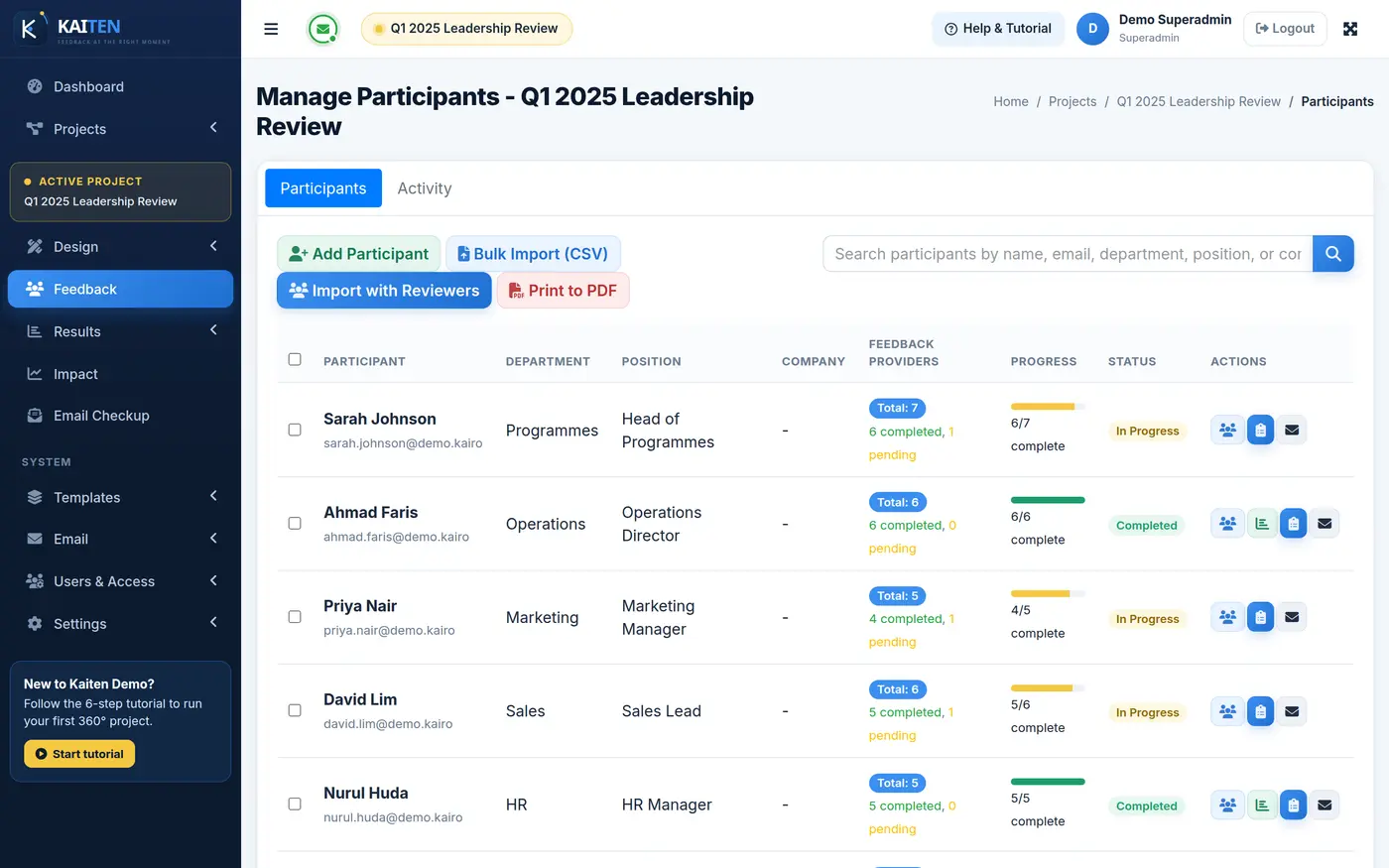
Add participants and reviewers
Upload the cohort and their reviewers in one CSV, or send participants a link to nominate their own — with manager approval if you want it.
- Bulk CSV import
- Participant nomination by secure link
- Email checkup before launch
-
Step 4
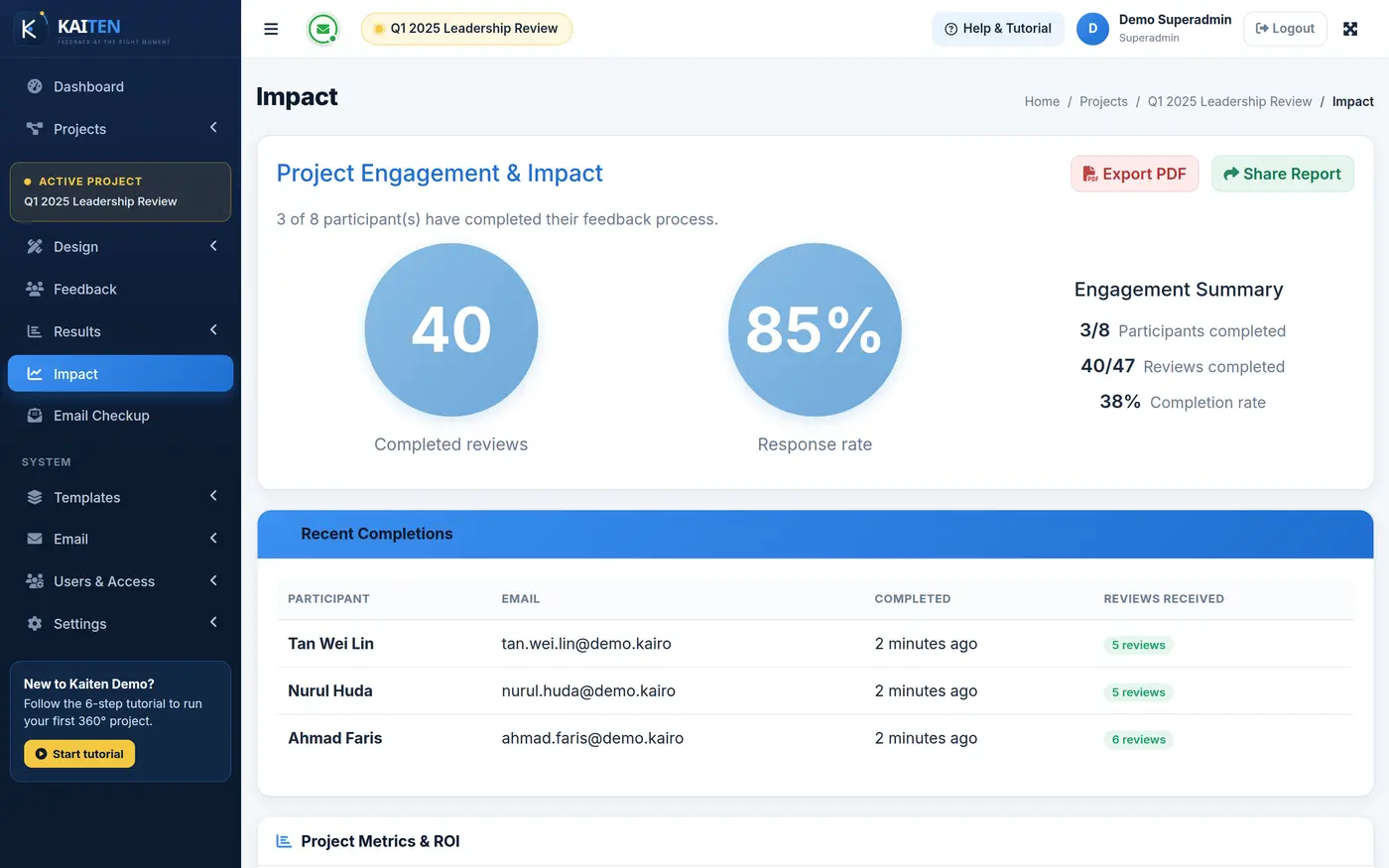
Collect responses on autopilot
Send invitations in bulk or schedule them. Reviewers answer from a personal link on any device, and reminders go out until they finish.
- Scheduled invitations and reminders
- Live progress per participant and reviewer
- Full email history with one-click resend
-
Step 5
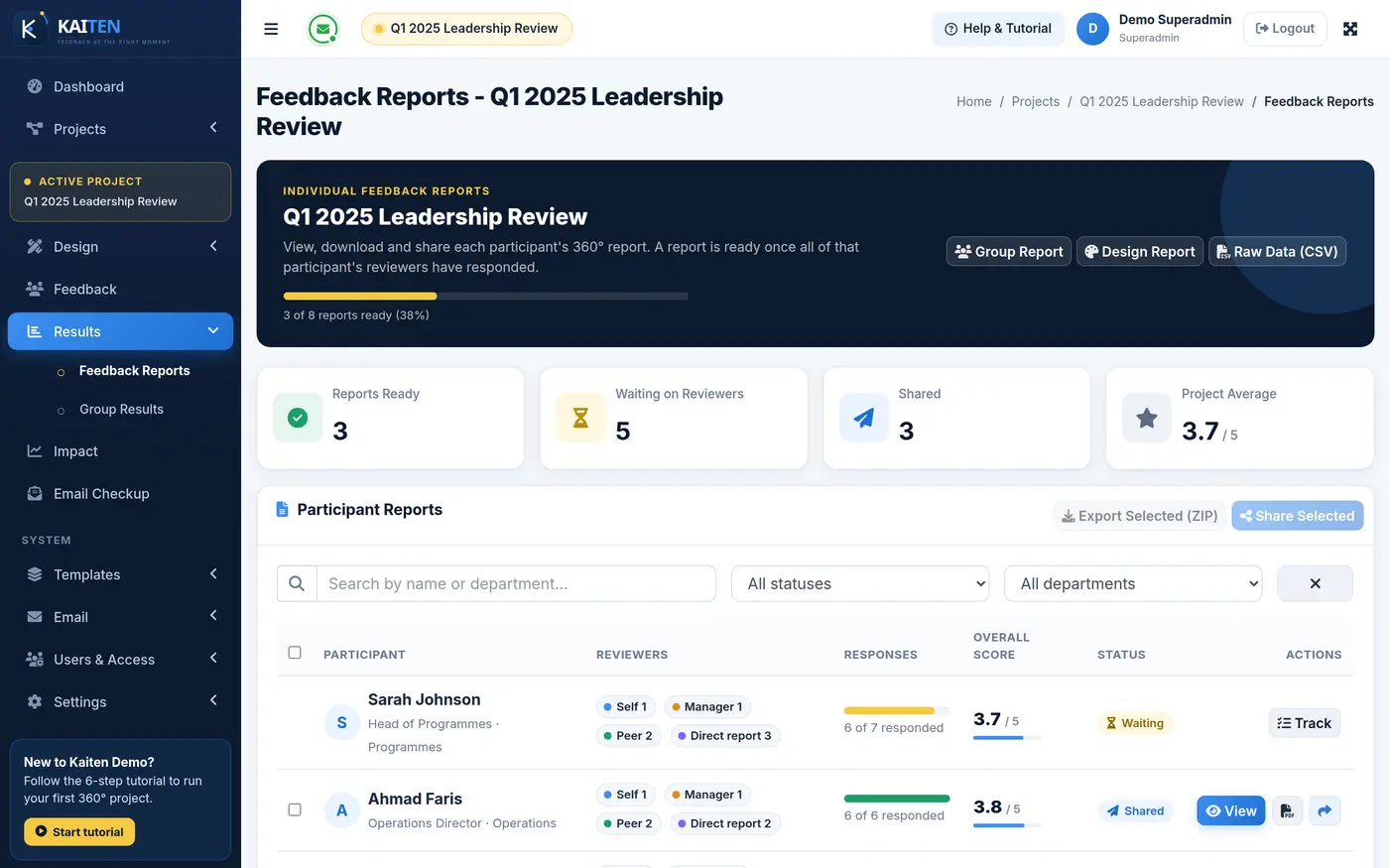
Open, customise and share the reports
Individual, group and impact reports are ready as responses arrive. Tailor the template, download PDFs or share secure links — for one person or the whole cohort.
- Report templates per project
- PDF export and secure share links
- Raw data export to CSV
-
Step 6
Run the follow-up and prove the change
When the programme ends, create the follow-up from the baseline in one click. Participants, reviewers and questionnaire carry over, and every report shows the change.
- One-click follow-up project
- Baseline comparison in every report
- Top improvers ranking
Who does what
Four roles, one smooth cycle.
Four roles keep your trainers, clients and staff in their own lane.
Superadmin
Full control of the installation: settings, system email templates, backups and users.
Admin
Runs projects end to end — questionnaires, participants, emails and reports.
Manager
Approves reviewer nominations and follows their team’s progress.
Staff
Signs in to see and complete the reviews assigned to them.
Run your next 360° cycle on Kaiten.
See it with your own programme in a 30-minute walkthrough, or sign in to the live demo right now.